
So you've invested in an LED video screen display. Congrats! Whether it's lighting up your storefront, anchoring a stage at events, or wowing crowds at your venue, that screen is doing a lot of heavy lifting. And like any hardworking piece of tech, it's going to last a lot longer (and keep looking sharp) if you give it a little TLC along the way.
Here in Texas, we put our LED displays through it. Blazing summers, surprise hailstorms, dust, humidity, the occasional cold snap. The good news is that with the right maintenance routine, your screen can easily clock 80,000 to 100,000 hours of solid performance. That's years of crisp, vibrant visuals if you treat it right.
Let's walk through some easy, practical maintenance tips that'll help you get every bit of value out of your LED video wall investment.
1. Keep It Clean (But Don't Go Overboard)
Dust is the number one enemy of any LED display. It builds up on the surface, sneaks into the modules, and over time it can mess with brightness, color accuracy, and even airflow inside the unit.
A soft, dry microfiber cloth and a gentle wipe-down every couple of weeks is usually all you need for indoor screens. Outdoor displays will need it more often, especially after dusty stretches or storms. Here's a quick cleaning do's and don'ts list to keep handy:
- Do use a soft microfiber cloth, lightly dampened with distilled water if needed
- Do use compressed air (held at a distance) to clear vents and tight spots
- Don't use ammonia-based cleaners, glass cleaner, or rubbing alcohol on the panel
- Don't spray any liquid directly onto the screen
If you're cleaning a large outdoor screen, it's worth bringing in professionals once or twice a year for a deep clean. Our team handles this regularly as part of our LED display repair and maintenance service across Dallas-Fort Worth.
2. Watch Out for Heat
LED screens generate heat. That's just physics. And too much heat is one of the fastest ways to shorten the life of your display. Overheating can cause dead pixels, color shifts, and even total module failure.
Start with airflow. If your screen has built-in fans or vents, don't let them get blocked by debris, banners, or anything else. Check the cooling system regularly too. Fans should spin freely and quietly, so if you hear grinding, rattling, or nothing at all when the screen is running hard, that's a red flag worth investigating right away.
Placement matters more than people realize. Indoor screens shouldn't sit right next to heat sources like radiators or in direct sunlight through a window. For outdoor screens in Texas, make sure the unit is rated for high ambient temperatures, because we both know what August feels like. Our outdoor LED video wall rentals and installations are built specifically with Texas weather in mind, so they can take the heat without flinching.
If your screen has a temperature monitoring system, actually use it. Most modern LED displays will alert you when things are running hot, and ignoring those warnings is one of the most common ways people accidentally cut years off their screen's life.
3. Protect Against Moisture and Weather
For outdoor LED screens especially, weather is a constant battle. Rain, humidity, and morning condensation can all cause issues if your screen isn't properly sealed and maintained.
Inspect the seals and gaskets around modules and the back panel a couple of times a year. If you see cracking, warping, or gaps, get them replaced. Texas heat will degrade rubber seals faster than you'd think. Also double-check the IP rating of your display and make sure it matches your environment. Outdoor screens should typically be rated IP65 or higher on the front.
After storms, do a quick visual check for water intrusion, debris stuck on the screen, or damage from wind-blown objects. For indoor screens, keep humidity reasonable. If you're in a space that gets steamy (think gyms, restaurants, or anywhere with a lot of foot traffic and food prep), make sure there's good airflow.
4. Don't Skip the Electrical Stuff
This is the part most people forget about, and it's the part that quietly causes the biggest problems down the road. Loose or corroded power connectors can cause flickering, dim sections, or worse, so make a habit of checking them every few months.
A few electrical essentials to keep on your radar:
- Surge protection is non-negotiable. Power surges from Texas thunderstorms have killed more LED displays than I care to count.
- Inspect cables regularly for frayed insulation, exposed wires, or pinched sections. Replace them before they fail.
- Make sure your screen is properly grounded, especially for outdoor installations.

If you're not comfortable poking around the electrical side of things, that's totally fair. Schedule a yearly inspection with a qualified technician and call it done. We've actually rescued screens that other vendors said couldn't be fixed, so don't assume an issue is the end of the road.
5. Calibrate Your Display Periodically
Over time, individual LEDs age at slightly different rates, and you'll start to notice subtle differences in brightness or color across the screen. Regular calibration brings everything back into balance.
Most professional-grade LED displays come with software that lets you calibrate brightness and color uniformity. For most installations, doing this every 6 to 12 months works well. Screens that run long hours or are exposed to harsh conditions might need it more often, and if you notice obvious color shifts or patchy areas, don't wait. Calibration also gives you a chance to spot dead pixels or failing modules early, before they become a bigger issue.
This is one of the steps our NovaStar-certified technicians handle as part of every installation, and it's something we recommend revisiting throughout your screen's life.
6. Manage Your Content (Yes, Really)
Here's something a lot of people don't realize: how you use your screen affects how long it lasts. Static images at full brightness for long stretches can cause image burn-in or accelerate wear on certain pixels, so if you need to display a logo or fixed graphic for hours on end, dial back the brightness.
Use auto-brightness if your screen has it. There's no reason to blast 100% brightness at 2 AM when nobody's around. It saves energy and extends LED life at the same time. Where possible, give the screen breaks too. Running 24/7 is fine for displays designed for it (and our LED systems are built for continuous operation), but turning the screen off during genuine downtime helps stretch its lifespan.
7. Keep a Maintenance Log
This sounds tedious, but trust me, future you will be grateful. A simple log goes a long way when you need to troubleshoot or file a warranty claim. Track things like:
- When you cleaned the screen (and what you used)
- Any issues you noticed (dead pixels, flickering, weird sounds)
- When inspections or calibrations happened
- Replacement parts installed and when
When something does go wrong eventually, and it will even with the best care, this log makes troubleshooting and warranty claims so much easier. Our screens come with a 5-year hardware warranty and lifetime product support, and a good maintenance log makes claims smooth and painless.
8. Know When to Call the Pros
DIY maintenance is great for the basics, but some things really do need professional hands. Call a technician when you see:
- Multiple dead pixels or a whole module that isn't working
- Flickering, dimming, or color issues that calibration doesn't fix
- Signs of water damage or electrical problems
- Anything that just doesn't seem right
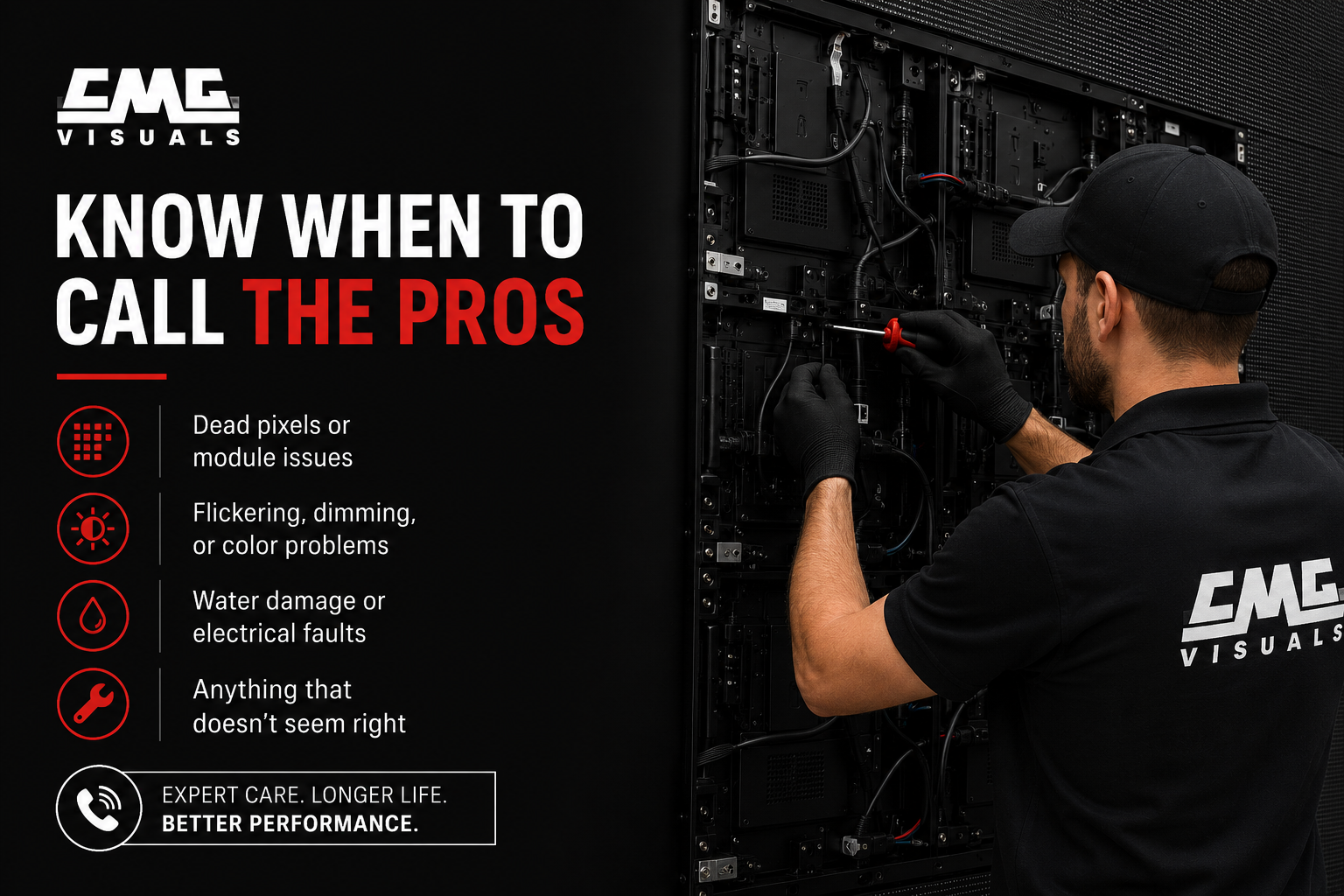
Even when nothing's obviously wrong, a yearly professional inspection is a smart investment. Trying to crack open the back panel yourself usually voids warranties and can make small problems worse. Not worth it.
Wrapping Up
LED video screens are built tough, but they're not invincible. A little regular care goes a long way. Keep them clean, watch for heat and moisture, stay on top of the electrical side, and be smart about content. Do that consistently and you can add years to your display's life while keeping your visuals looking as crisp as the day they were installed.
If you've got an LED display from CMG Visuals and want help putting together a maintenance plan that fits your specific setup, give us a shout. We're happy to walk you through it, whether you've got a single screen at your business or a full installation at a venue. Curious what's possible? Take a look at some of our completed LED projects to see how we've helped churches, studios, corporate offices, and event venues across Texas.
Got questions or need service? Reach out anytime. We're right here in Texas, ready to help.