If you already have an LED video wall or are planning to get one, the screen itself is only half the equation. The content you put on it is what determines whether that display looks world class or just average.
We see this constantly at CMG Visuals. A business invests in a great screen, pushes their first piece of content to it, and then wonders why the text looks blurry, the colors are off, or the video feels wrong.
The screen is not the problem. The content just was not built for it. This guide will walk you through exactly what to do so everything on your LED wall looks the way it should.
1. Match Your Content to the Correct Aspect Ratio
The aspect ratio is the width to height relationship of your display. If your content does not match it, the image will stretch, shrink, or get cut off on screen.
Most standard LED walls use a 16:9 aspect ratio, the same format used for HD video and most digital presentations. If your screen is 16:9, your content files need to be 16:9 as well.
Not every display is a standard shape. Custom LED wall installations such as ultra wide ribbon boards, portrait format panels, or L shaped walls all require content sized to their exact pixel dimensions.
Always confirm the native resolution of your display before you design anything. At CMG Visuals, we hand every client their screen specifications at the end of every installation so their team starts with the right canvas.
2. Design at the Native Resolution of Your Display
Resolution is the total number of pixels your LED wall has. Designing your content to that exact resolution means the image fills the screen perfectly with no upscaling or downscaling.
If you design too low, your images will look soft or pixelated when stretched to fill the wall. If you design too high, the display will downsample the file and you will not gain any visual benefit from the extra resolution.
This is especially important for fine pitch indoor displays. If you are using a P1.9 or P2.5 screen for a lobby or boardroom, the viewing distance is short and every detail shows. You can read more about how viewing distance and pixel pitch connect in our guide on what pixel pitch means for your display.
3. Keep Text Short and Use the Right Fonts
Your audience may only have a few seconds to read your screen. Whether they are walking past a retail display or sitting in a conference room, they are not going to read a paragraph.
Keep each slide to 10 or 15 words maximum. Think about how you read a billboard on I 35 while driving. You get 5 to 7 words at most. LED wall content works the same way even at close range.
Font Guidelines for LED Displays
- Use clean sans serif fonts such as Arial, Montserrat, or Open Sans. They hold up well at distance.
- Avoid decorative or script fonts. They fall apart when viewed from across a room.
- Always use bold font weights. Thin fonts disappear on a bright LED panel.
- Size your text generously. As a general rule, plan for one inch of letter height per ten feet of viewing distance.
- Reserve all caps for short labels or headlines only. It reduces readability in full sentences.
-
4. Choose Colors That Perform Well on LED Panels
LED panels produce their own light. Colors appear more vivid and saturated on screen than they do on your laptop monitor or a printed flyer. That is a strength when you use it right.
Deep blues, rich reds, and strong greens all perform well. White text on a dark background is one of the most readable combinations on any LED screen. High contrast always wins.
Colors to Be Careful With
- Pure white backgrounds cause eye strain indoors and can look blown out on high brightness panels.
- Light pastels and pale yellows tend to disappear against a bright LED surface.
- Neon colors used side by side can vibrate visually and make content hard to focus on.
- Thin gradients may look banded depending on the bit depth of your specific panel.
We always recommend testing your content on the actual screen before going live. If you bought your display through our LED sales team, we include a content review session as part of our handoff process.
5. Optimize Video Files Before You Upload Them
Video is where LED walls really come alive. But a poorly formatted video file can cause stuttering, color shifts, or sync issues that make the screen look broken when it is not.
Export your videos as MP4 files using the H.264 or H.265 codec. Use a frame rate of 30fps or 60fps and match it to your display's refresh rate. For 1080p content, a bit rate of 10 to 20 Mbps is appropriate. Additionally, if your display supports 10 or 12-bit video, make sure the color space is correct. This can avoid artifacts.
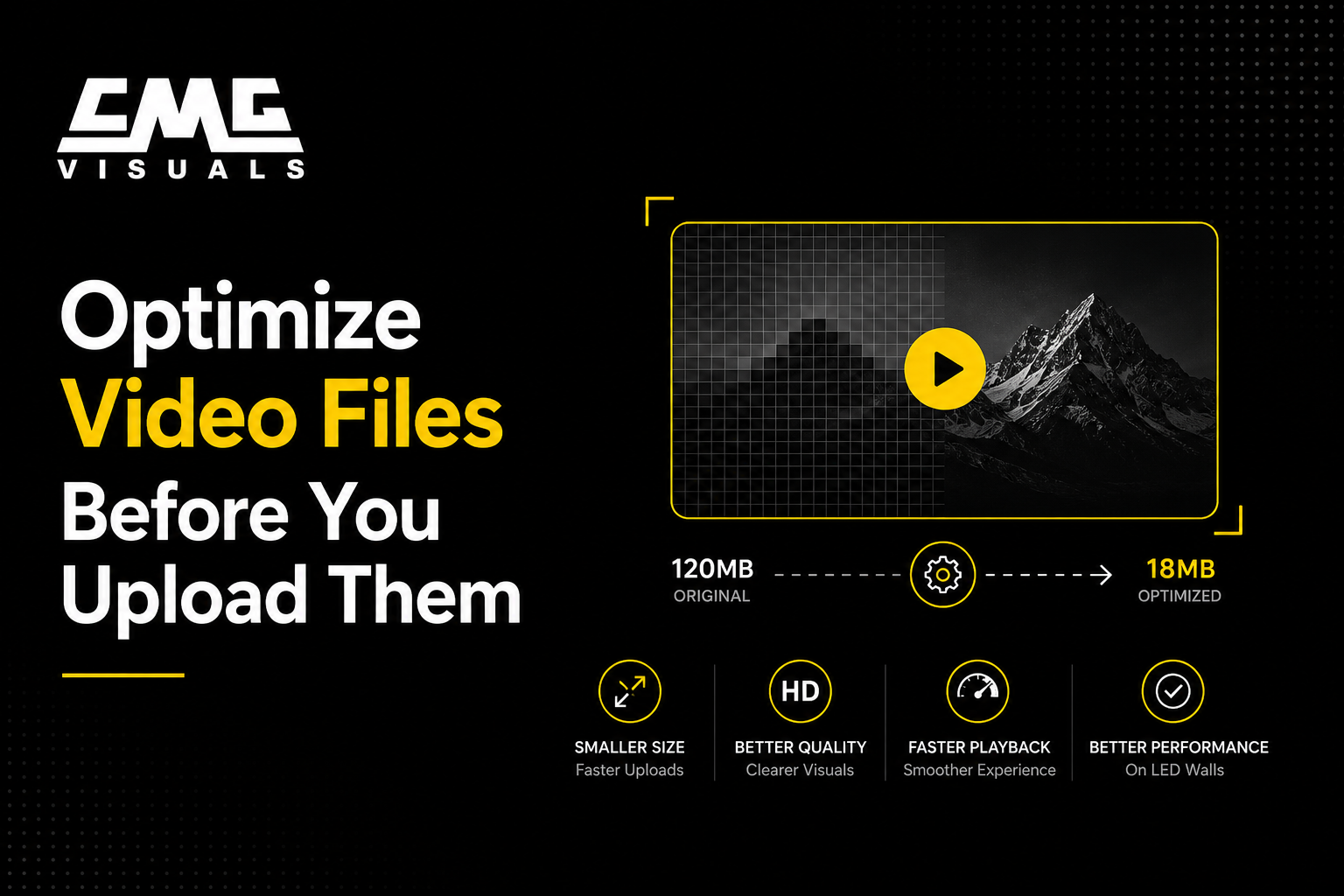
Never pull video directly from a social media export. Compressed social files look fine on a phone screen but will often appear blocky or soft on a large LED panel. Export directly from your editing software at full quality.
Design your video to loop seamlessly as well. A hard cut back to the beginning or a brief black frame between loops looks like a technical error to everyone watching.
6. Design for the Actual Viewing Distance, Not Your Monitor
This is the mistake that catches almost everyone new to LED displays. You are designing on a 13 inch laptop screen sitting close to your face. Your content will be viewed from 15, 30, or 50 feet away on a wall that could be 10 or 20 feet wide.
What looks detailed and sharp on your monitor can look cluttered and unreadable on the display when viewed from across a space.
Practical Tips for Designing at Scale
- Step back from your monitor while you work. If content looks hard to read from 3 feet away on your screen, it will be worse on the wall.
- Leave breathing room around all text and logos. Do not push content to the very edge of the frame.
- Avoid placing important content in the extreme corners, especially if you are working with an outdoor LED screen where mounting hardware can sit close to the edges.
- Test a still frame on the actual display before finalizing your full content library. One short review session saves hours of redesign work later.
7. Use Motion Graphics Thoughtfully
Animation is one of the biggest advantages of an LED wall over static signage. It naturally draws the eye and keeps viewers engaged. We see this work extremely well for clients using our indoor LED screen rentals at events, trade shows, and conferences across Dallas and Fort Worth.
Smooth slide transitions, animated text reveals, and looping background video at low opacity are all effective choices. They add energy without making the screen feel chaotic.
Motion to Avoid
- Rapid flashing or strobing effects. These are distracting and can affect viewers with photosensitive conditions.
- Multiple moving elements happening at the same time. When everything moves, nothing stands out.
- Scrolling text that moves too fast for anyone to finish reading.
- Video that ends on a black screen before it loops. This reads as a malfunction to your audience.
8. Think About Brightness Levels in Your Content
LED walls are significantly brighter than computer monitors or TVs. This means content with a lot of white or very light backgrounds can feel overwhelming to viewers, particularly indoors.
For indoor displays, swap solid white backgrounds for off white, light grey, or dark alternatives. They are easier on the eyes and make surrounding colors pop more effectively.
For outdoor installations, the opposite challenge applies. Bright Texas sunlight competes directly with your screen, so outdoor content needs higher contrast and deeper, more saturated colors. You can learn more about what drives these decisions in our post on how to budget for LED video wall installation.
9. Keep Your Content Updated
A screen with stale content stops working for your business. People tune it out. The same slides running for months turn a premium display into background noise.
This is one of the most valuable habits you can build as an LED wall owner. LED video walls improve event experiences and drive real results for businesses, but only when the content stays relevant and fresh.
For retail and hospitality environments, update your content at least every two to four weeks. Remove event promotions immediately after the event ends. Plan seasonal content in advance around holidays, local Dallas events, and promotional periods.
CMG Visuals can connect your display to a remote content management system so your team can push updates from anywhere without needing a site visit. This is especially popular with businesses that have multiple locations. Reach out to our LED service and support team to learn how to set this up.
Frequently Asked Questions
What resolution should I design my content at?
Design at the native pixel resolution of your LED wall. Your provider should give you this spec at installation. At CMG Visuals, it is included in every client handoff document.
Can I reuse social media or TV content on my LED wall?
TV content in the right resolution and 16:9 format can often work. Social media content is compressed for small screens and typically looks soft on a large LED panel. Always check file quality before using it on your display.
How often should we update LED wall content?
For retail and hospitality, update every two to four weeks at minimum. For corporate environments, monthly is a good baseline with event specific updates as needed. If you are renting a screen for an event, our LED rental team can also advise on content formatting before your event goes live.
Does brightness affect how content looks?
Yes. LED panels are far brighter than monitors. Avoid solid white backgrounds for indoor displays. For outdoor displays, increase contrast significantly since direct sunlight competes with your screen's brightness output.
The Bottom Line
Getting the most out of your LED wall is about more than just the hardware. The content you show on that screen determines whether it looks professional and intentional or falls flat.
Match your aspect ratio, design to the native resolution, keep text bold and short, test your colors on the actual display, and keep your content rotating. Do those things consistently and your LED wall will deliver results every day.
At CMG Visuals, we have helped businesses across Dallas, Fort Worth, Frisco, Plano, and the entire DFW Metroplex get both the screen and the content strategy right from day one. If you are ready to talk through your display, contact us today for a free consultation.